
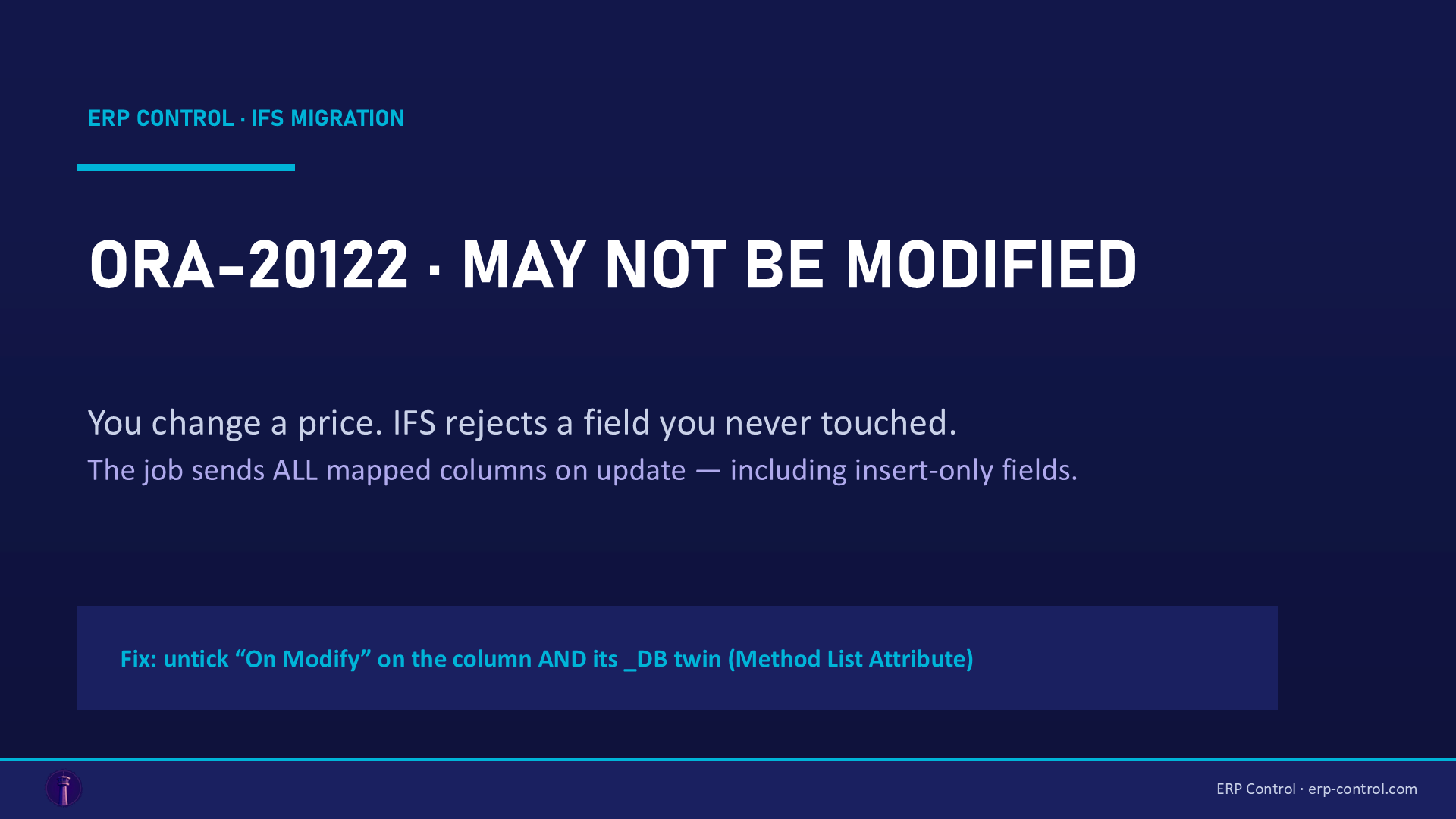
Quick fix:ORA-20122 … Field [X] may not be modifiedmeans the field is insertable but not updatable through the API. You probably don't even want to change it — it's just present in the mapping. Open Method List → Method List Attribute, and untick "On Modify" for that column and its_DBtwin (e.g.CATALOG_TYPEandCATALOG_TYPE_DB). Re-run: the update goes through.
You run a migration job to update one simple field — say, the list price in SALES_PART. And every row returns:
ORA-20122: SalesPart.UPDATE: Field [CATALOG_TYPE] in Sales Part may not be modified.
The seemingly absurd part: you're not trying to change CATALOG_TYPE. You just want to change the price. So why the rejection?
The symptom
The error appears on Execute (MIGRATE_SOURCE_DATA) of an update job, on every row, with the pattern:
ORA-20122: SalesPart.UPDATE: Field [CATALOG_TYPE] in Sales Part may not be modified. The value of [CATALOG_TYPE] is 'NON'.
The field name varies by view, but it's always a field that is frozen after insertion: catalog type, object type, classification… structural attributes IFS won't let you change once the record exists.
The cause
This is a classic of client / _DB columns in migration jobs.
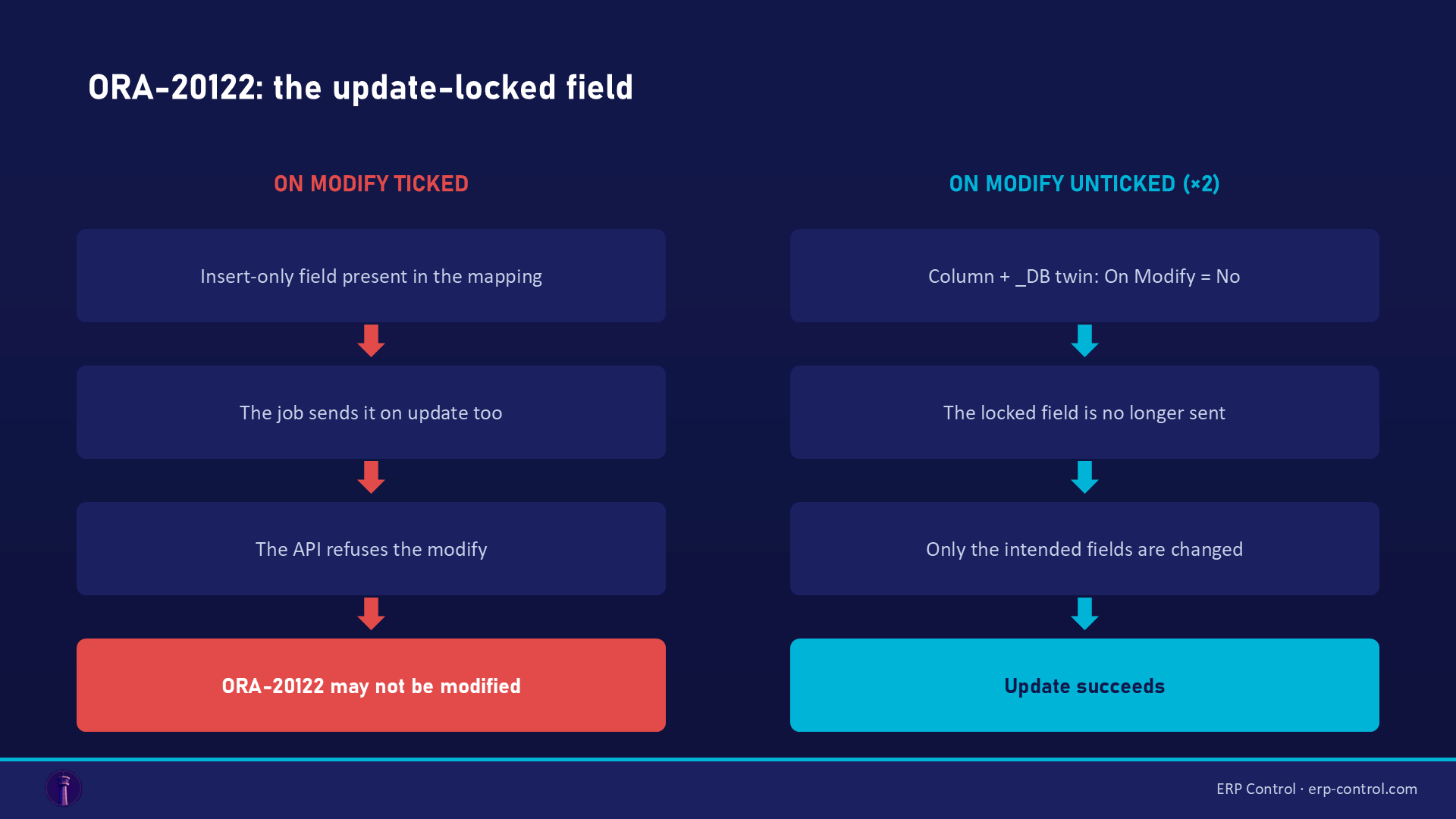
Some IFS fields are insertable but not updatable (insert-only): you set them at creation, and the API refuses any later update on them. But by default, the migration job sends every mapped column during an update — including the ones whose value hasn't changed. IFS sees CATALOG_TYPE arrive in a modify operation → ORA-20122 rejection, even though the value is identical.
Confirmed by the IFS community: "the field CATALOG_TYPE is only insertable but not updatable — make sure that the checkbox for On Modify is not ticked for CATALOG_TYPE and CATALOG_TYPE_DB." One consultant notes this condition "has plagued Migration Jobs forever, both in its APP10 days and now in the Cloud."
How to fix it
Three clicks, inside the migration job:
- Open the Method List tab, right-click the method → Method List Attribute.
- Find the column named in the error and its twin:
CATALOG_TYPEandCATALOG_TYPE_DB. - Untick "On Modify" (set it to False / No) for both columns.
- Re-run the job: the locked field is no longer sent on update, and your actual change (the price) goes through.
(Solution validated by the IFS community — same in APPS10 and IFS Cloud.)
The rule to remember about client / _DB columns
Twin columns (CATALOG_TYPE / CATALOG_TYPE_DB) must always carry the same On New / On Modify settings. Unticking one but not the other = unpredictable behavior. Documented exceptions are rare (duplicate client/_DB key → - flag on the client column, see our ORA-20112 article).
How to avoid it
- Before an update job, review the Method List Attribute: spot the structural fields (types, classifications) and untick On Modify on them up front.
- Map in your source only the columns you actually want to change + the keys. Every extra mapped column is an
ORA-20122waiting to happen. - Mirror reflex: if a field is rejected at insertion with a similar message ("may not be specified for new objects",
ORA-20121), it's the same mechanism on the On New side.
Related IFS migration errors
The same kind of blocker shows up under other codes — all covered in our IFS Cloud data migration pillar guide:
- ORA-20112 FND_RECORD_EXIST — the job tries to INSERT a row that already exists (a key problem, P/K flags).
- ORA-20111 / FND_RECORD_NOT_EXIST — a missing contextual prerequisite (load parents before children).
- ORA-20110 — a violated business rule (out-of-range data, missing basic data setup).
- SE_UNAUTHORIZED — the job's projection not granted to the executing user: a migration permissions problem.
For import/export management, see also the IFS Excel Import/Export page.
Update your data without memorizing flags
ORA-20122 exposes the internal mechanics of IFS jobs: to pull off a simple price update, you need to know client/_DB columns, On New / On Modify flags and each view's insert-only fields. ERP Control skips that gymnastics: it performs real targeted updates (PATCH via the OData API) that send only the changed fields — locked fields are never touched, so never rejected. No-code, no Method List, no PL/SQL, consistent across your CFG · UAT · TRN · PROD environments.
See how ERP Control simplifies IFS Cloud migrations — check the migration module.
Part of our pillar guide: IFS Cloud Data Migration — the Complete 2026 Guide.
FAQ
I'm not changing that field — why does IFS complain about it?
Because the job sends every mapped column on update, even unchanged ones. IFS sees the field in the modify operation and rejects it. Untick "On Modify" to exclude it from updates.
Should I untick On Modify on the client column, the _DB column, or both?
Both. Client/_DB twin columns must always carry the same On New / On Modify settings.
What if I genuinely need to change the value of a "may not be modified" field?
Through the standard API, you can't: the field is frozen at insertion. Depending on the case, you delete/recreate the record, or use the business procedure IFS provides (when one exists). First check whether the target value really justifies the operation.
Sources
Real case from the IFS community (solution validated on the thread):