
Quick fix:ORA-20110isn't ONE error — it's the family of violated business rules. Everything is in the tag:ORA-20110: Entity.TAG: message. Read the entity (where it blocks) and the tag (which rule), then fix either the data (out-of-range value, wrong format) or the setup (missing basic data). Four solved cases below.
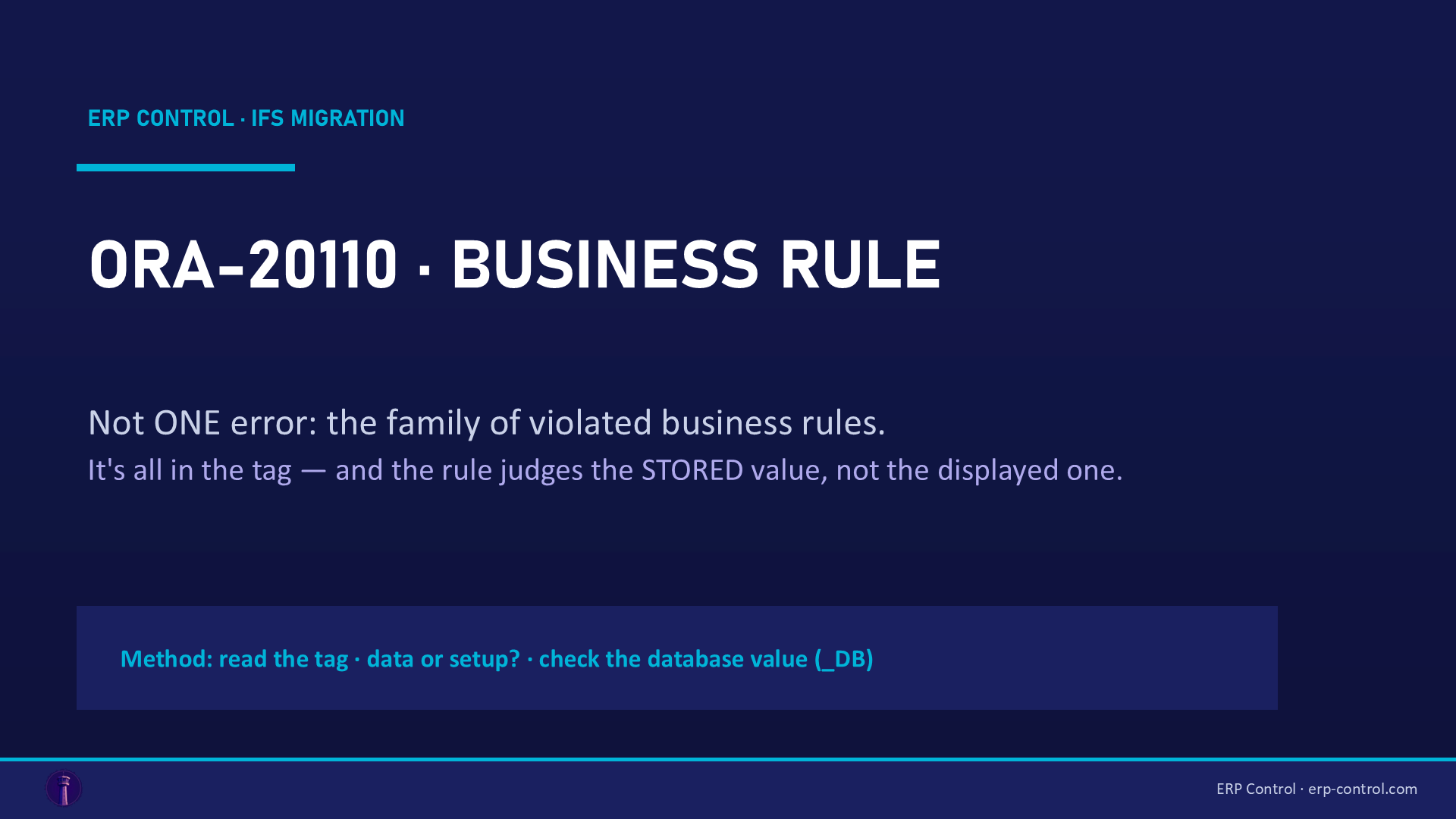
ORA-20110 is probably the most frequent — and most misunderstood — code in IFS migrations. Unlike ORA-20112 (key) or ORA-20122 (locked field), it doesn't point to one specific mechanism: it's the generic code IFS returns when your data violates a business rule.
The good news: the message contains everything you need to diagnose it.
Anatomy of the message
`
ORA-20110: SalesContract.CONWINPROBERR: Win Probability must be within the range 0 - 100.
└── entity ──┘└──── tag ────┘└────────── the violated rule ─────────┘
`
- The entity tells you where it blocks (SalesContract, VoucherRow, BasicDataTranslation…).
- The tag tells you which rule is violated — that's your search keyword.
- The message often tells you what to fix — though sometimes misleadingly, as we'll see.
Four real cases (with validated fixes)
1. SalesContract.CONWINPROBERR — screen value ≠ database value
Migrating sales contracts: Win Probability must be within the range 0 - 100, while the file contains WIN_PROB = 100. The trap: the client displays a percentage, the database stores an absolute value. 100% = 1 in the database, 20% = 0.2. Fix the source: WIN_PROB between 0 and 1. (Solution validated by the IFS community.)
That's THE ORA-20110 lesson: the rule applies to the stored value, not the displayed one.
2. VoucherTypeUserGroup.INVVOUTYPE2 — the missing setup
User group AC is not connected to voucher type with function group L for accounting year 2026. Nothing to fix in the data here: it's basic data that's missing. Go to Voucher Series per Voucher Type → the voucher type (e.g. MPL) → the year → User Group per Voucher Series → add the user group (and the default type). Do the same for related types (L, 0). (Validated solution.)
Worth knowing: on standard company templates, user groups per voucher series were missing for 2026+ — fixed in 26R2.
3. BasicDataTranslation.PROGNOTEXIST — the key built by the API
Migrating translations (Basic Data Translation): Corresponding basic data does not exist for attribute key. The cause is subtle: the PATH field — although part of the primary key — is rebuilt by the API from LU + MODULE + ATTRIBUTE_KEY, so the value you provide is ignored. The fix (community-tested): in Method List Attribute, add the LU and ATTRIBUTE_KEY columns with the K flag, and switch PATH from K to -. The job then has a usable key and the insert/update goes through.
4. CustOrdDateCalculation.INVALSHIPDATE — the misleading message
Planned ship date is outside the range of the current calendar while migrating order lines. You suspect the dates… the real cause was an undefined CONTRACT on the line. Without a site, IFS can't resolve the calendar → the date check fails. Moral: when the rule sounds absurd, look for the missing context field (see our ORA-20111 article).
The general method
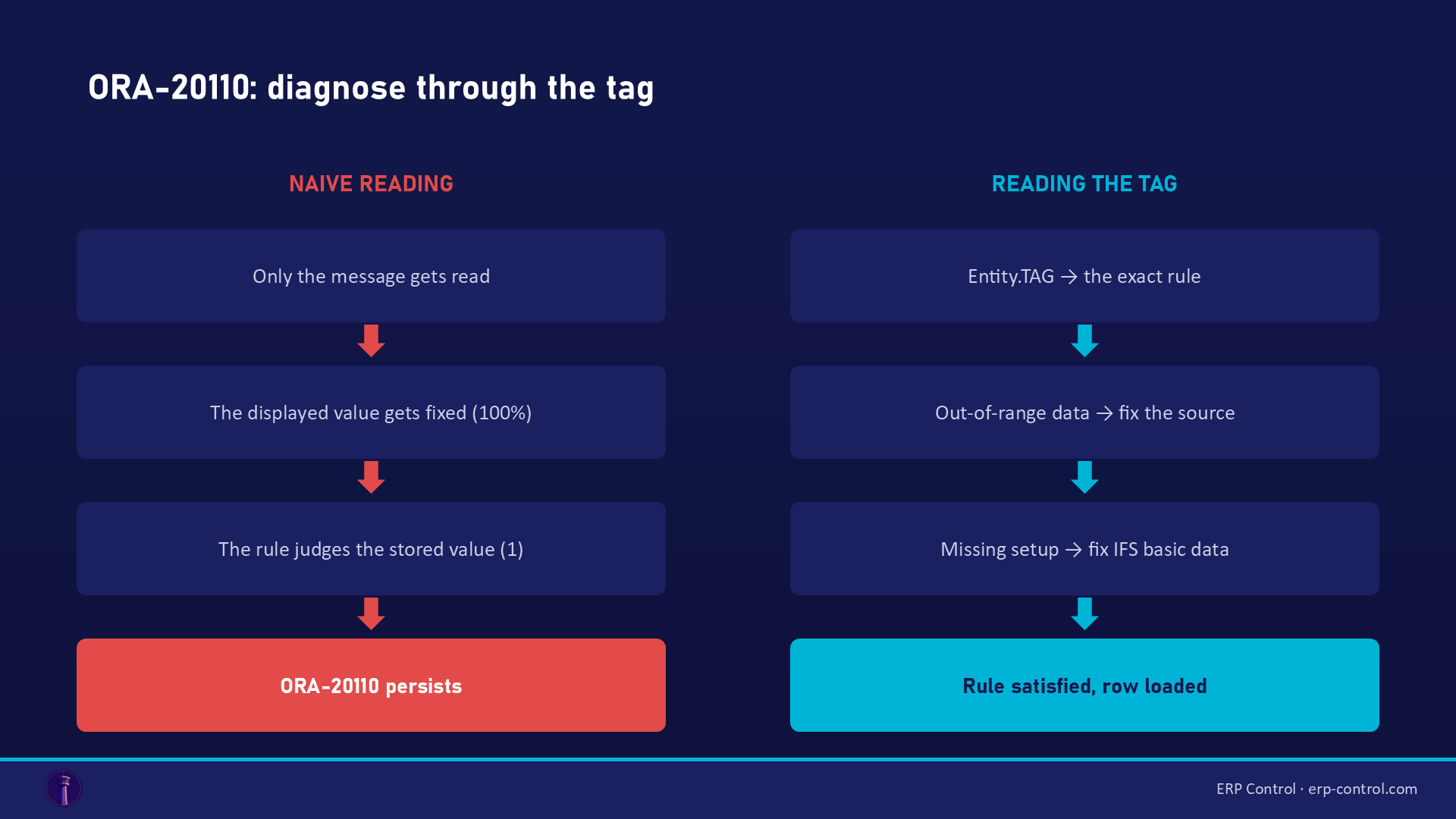
- Read the tag, not just the message. It identifies the exact rule.
- Ask: data or setup? Out-of-range value / wrong format → fix the source. Rule referencing something absent (user group, calendar, basic data) → fix the IFS setup.
- Check the stored database value (
_DBcolumns, absolute values) — not the value displayed in the client. - Try the same operation manually in IFS: if the screen also refuses, the rule is genuinely business (and no job will get around it); if the screen accepts, look for the context field the job isn't sending.
- On mixed files (headers + lines, package components), add an Order By to the job: many
ORA-20110errors come from simple processing order.
Related IFS migration errors
The same kind of blocker shows up under other codes — all covered in our IFS Cloud data migration pillar guide:
- ORA-20112 FND_RECORD_EXIST — the job tries to INSERT a row that already exists (a key problem).
- ORA-20111 / FND_RECORD_NOT_EXIST — a missing contextual prerequisite (parents before children).
- ORA-20122 "may not be modified" — a field that can't be updated through the standard API.
- ORA-20124 NULLVALUE — a mandatory field left empty… sometimes because a related row hasn't been processed yet.
- SE_UNAUTHORIZED — the job's projection not granted to the executing user: a migration permissions problem.
For import/export management, see also the IFS Excel Import/Export page.
Validate business rules before you load
ORA-20110 rewards those who validate before loading: stored vs displayed values, setup in place, processing order. ERP Control builds that discipline in: data goes through the IFS OData API — meaning the same business validations as the client — with readable row-by-row error feedback, no-code, before you commit the volume. And upstream data quality checks cut the back-and-forth across your CFG · UAT · TRN · PROD environments.
See how ERP Control simplifies IFS Cloud migrations — check the migration module.
Part of our pillar guide: IFS Cloud Data Migration — the Complete 2026 Guide.
FAQ
Does ORA-20110 have a single cause?
No — it's the generic code for violated business rules. The exact cause is in the tag (CONWINPROBERR, INVVOUTYPE2, PROGNOTEXIST…). Two big families: invalid data, or missing setup.
My value looks correct on screen — why does the job reject it?
Check the stored value: the client often displays a conversion (percentage, translated label). The job writes the database value — e.g. Win Probability 100% = 1, not 100.
The error happens in migration but not in manual entry. Why?
The job doesn't send everything the screen sends implicitly (site, company, defaults). Look for the missing context field, or the load order (Order By).
Sources
Real cases from the IFS community (solutions validated on the threads):