
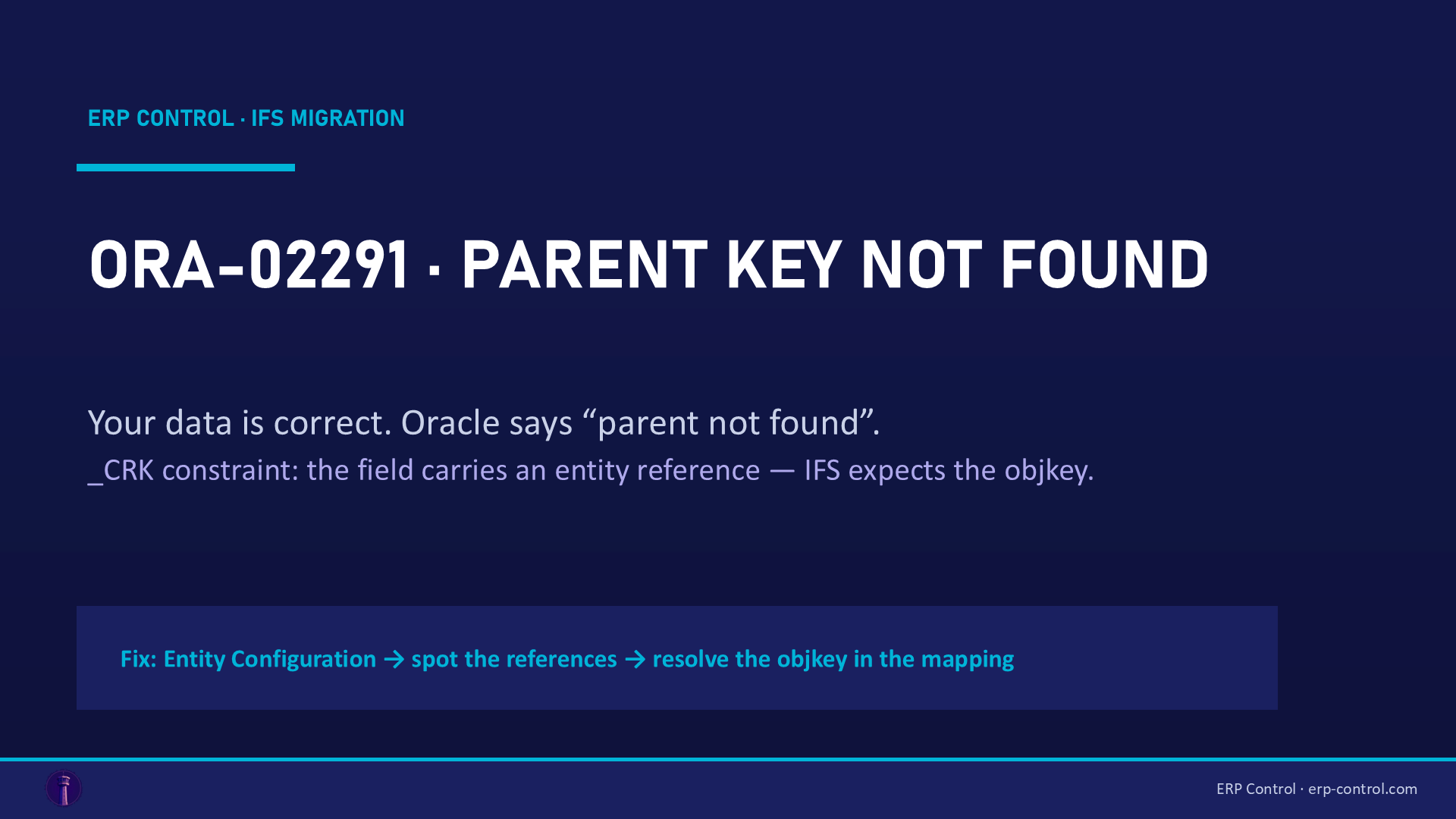
Quick fix: ORA-02291 … parent key not found when migrating a custom tab means one of your fields carries an Entity Reference: IFS doesn't expect the raw value, but the objkey of the referenced record. Check the field on the Entity Configuration page, then, in the Source Mapping, fetch the objkey of the referenced entity from your values instead of passing the value as-is.
You're migrating data into an IFS custom tab (e.g. a part interchangeability table). The job fails with:
ORA-02291: integrity constraint (IFSAPP.C_PART_INTERCHANGE1_CRK) violated - parent key not found
Yet your values are correct: the part exists, the codes are right. The blocker is elsewhere.
The cause
Unlike ORA-20xxx codes (IFS application errors), ORA-02291 is a raw Oracle constraint: a foreign key pointing to a parent that can't be found. On custom tabs, the constraint's _CRK suffix gives it away: a Custom Reference Key — i.e. a custom field configured with an entity reference.
The mechanism: when a custom attribute references an entity (e.g. part_no → PartCatalog), IFS doesn't store your business value, but the objkey of the referenced record. If the job passes the raw value (PART-001), Oracle looks for a parent with that value as its key → not found → ORA-02291. Hard-coding an objkey fetched "by hand" from the parent isn't enough either, if the mapping doesn't use the expected resolution format.
Real IFS community case (migration to an interchangeability custom tab): "this error occurs when attributes have entity references. Check the Entity Configuration page; if a migrated field carries an entity reference, you must fetch the objkey by passing the values in the expected format." Solved and confirmed by the author.
How to fix it
- Open your custom entity's Entity Configuration page.
- For each migrated field, check whether it carries an Entity Reference (e.g.
part_no→part_catalog). - For those fields, don't map the raw value: build the mapping to resolve the objkey of the referenced record from your values (resolution expression in the Source Mapping).
- Re-run: the
_CRKconstraint finds its parent, the insert goes through.
How to avoid it
- Before migrating a custom tab, list the entity references in Entity Configuration: each reference = a field to resolve into an objkey, not a value to copy.
- If you create custom fields meant to be migrated later, document their references — whoever does the data take-on will thank you.
- Test with one row:
ORA-02291shows up on the very first insert.
Related IFS migration errors
The same kind of blocker shows up under other codes — all covered in our IFS Cloud data migration pillar guide:
- ORA-01400 "cannot insert NULL into ROWKEY" — the other custom-field trap: the
OBJID_parameter misreferenced. - ORA-20111 / FND_RECORD_NOT_EXIST — a missing contextual prerequisite (parents before children).
- ORA-20112 FND_RECORD_EXIST — the job tries to INSERT a row that already exists.
- SE_UNAUTHORIZED — the job's projection not granted to the executing user: a migration permissions problem.
Migrate custom tabs without resolving objkeys by hand
ORA-02291 on a custom tab is the internal machinery of IFS customizations surfacing: objkeys, entity references, _CRK constraints. ERP Control's CRIM module migrates customizations (custom fields, custom tabs) and their data between environments, resolving those references automatically, no-code — across your CFG · UAT · TRN · PROD environments.
See how ERP Control migrates your IFS customizations — check the CRIM module.
Part of our pillar guide: IFS Cloud Data Migration — the Complete 2026 Guide.
FAQ
Why a raw Oracle error and not an IFS message?
Because validation fails at the database constraint level (the _CRK foreign key), before any IFS application logic runs. That's the telltale sign of unresolved entity references.
How do I know which fields carry an entity reference?
The custom entity's Entity Configuration page: each attribute shows its reference, if any (e.g. part_no → part_catalog).
I fetched the parent's objkey and pass it directly — it still fails. Why?
The mapping must use the expected resolution format (fetching the objkey from business values inside the Source Mapping), not a hard-coded value: objkeys differ from one environment to the next.
Sources
Real case from the IFS community (solution validated on the thread):